Tools selected for the requirements WEB TECH DYNAMICS
Technology choices.
The technology should suit the job, the existing environment and the people maintaining it. We use software, infrastructure and creative tools selectively; every project does not need the same stack or every capability.
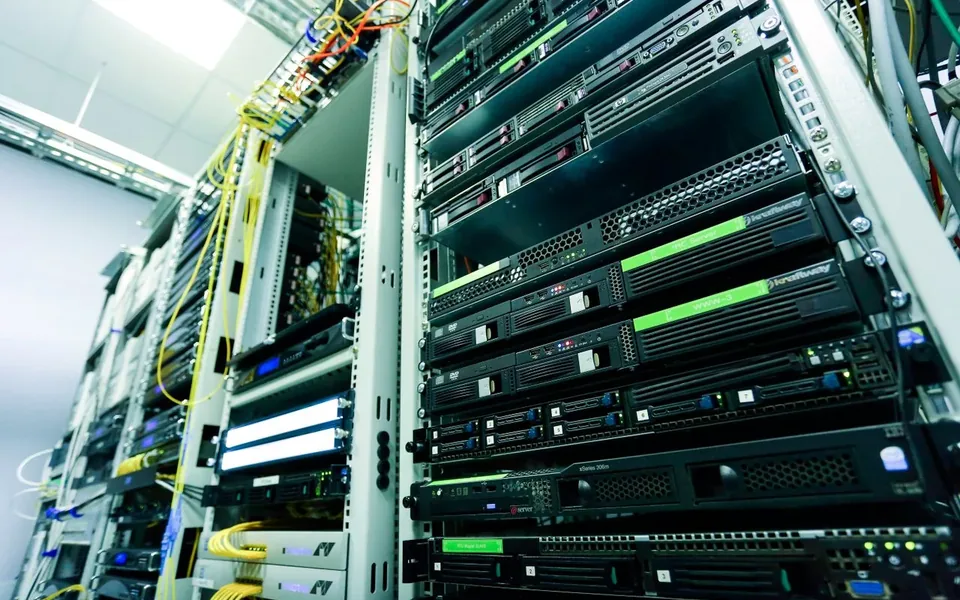
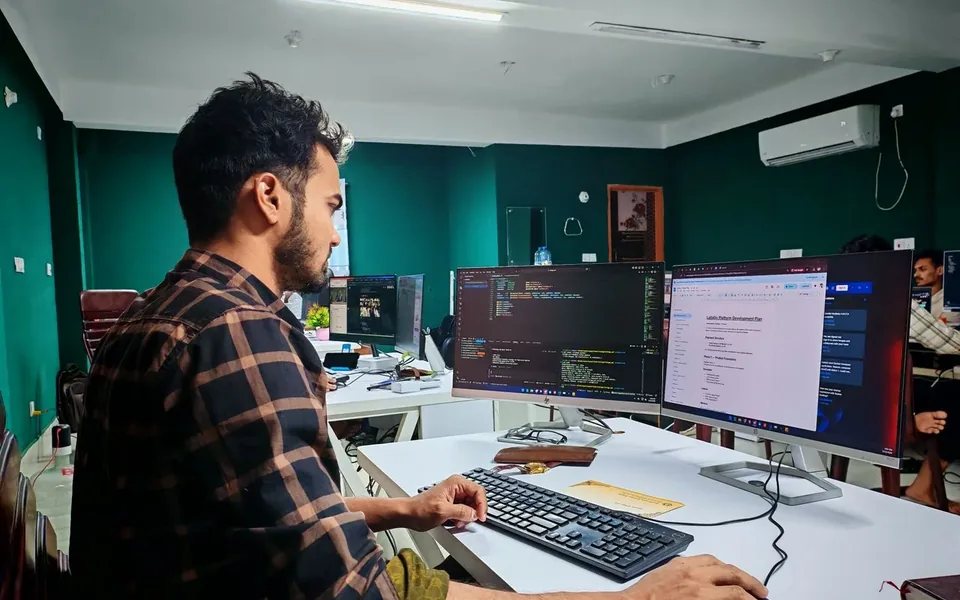
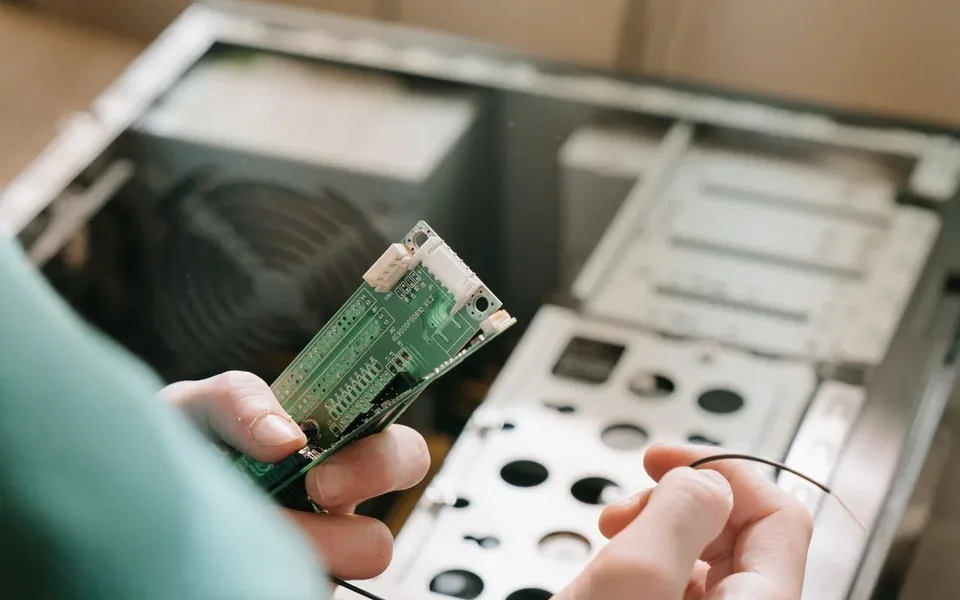
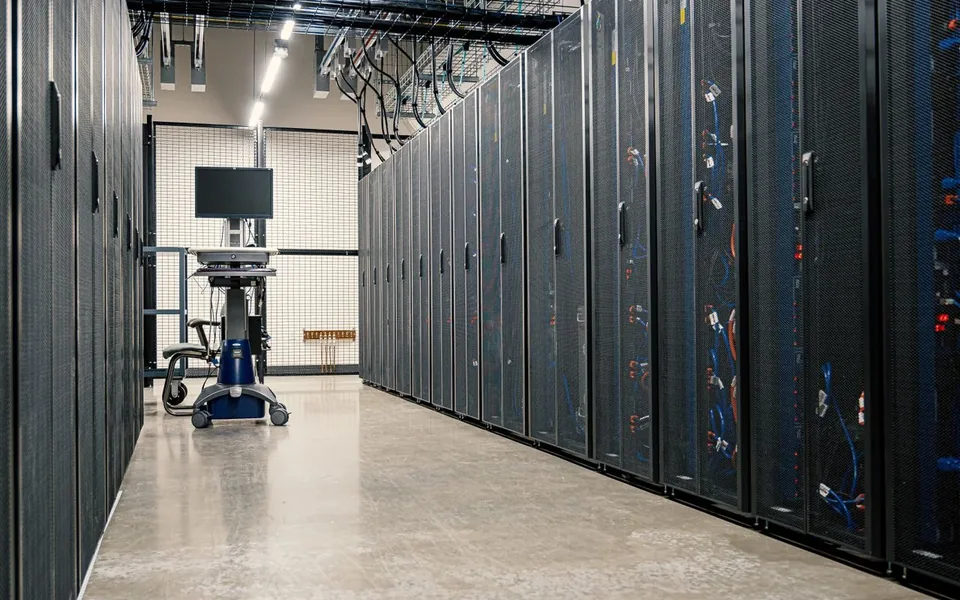
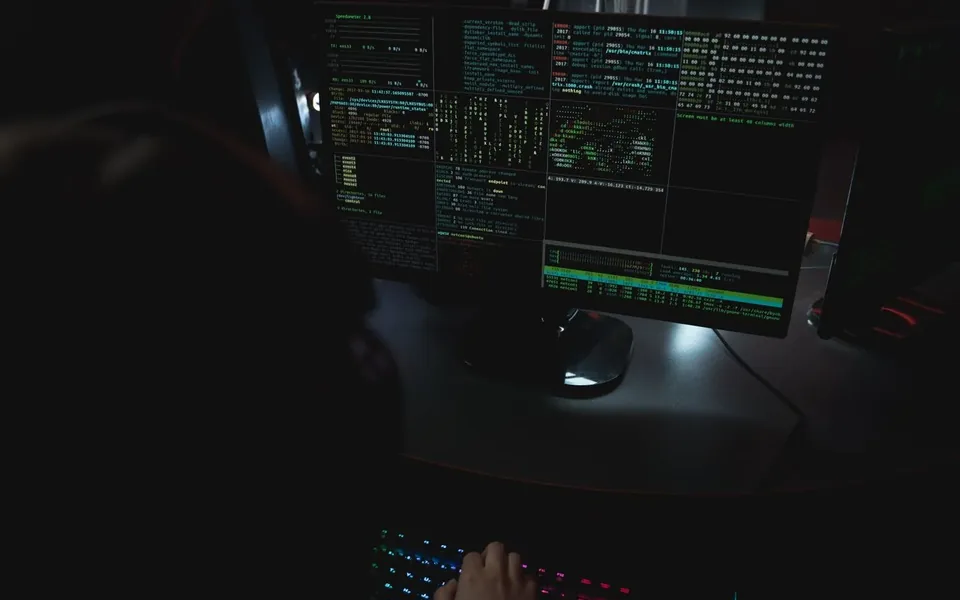
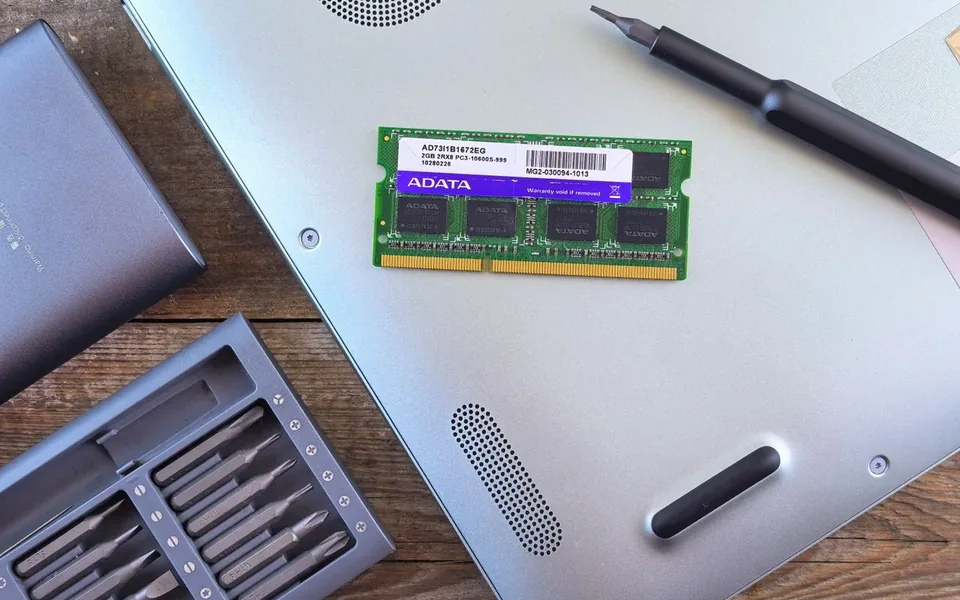
Illustrative photography · licensed local media · not client projects
01
Web interfaces & applications
Responsive HTML, CSS and JavaScript support browser-based experiences across phones, PCs and tablets. Server-side options include PHP with Laravel or Symfony, C# with ASP.NET/Core, and Node.js with Express. The choice depends on the application, integrations and existing systems.
02
Data & integration
SQL, PostgreSQL and MySQL can support structured application data. APIs and tailored integration work can connect information between systems. We begin with the information you need to manage, how it is used and the dependencies involved.
03
Automation & AI tools
Python, Bash, PowerShell, AI APIs and local AI tools can support different automation tasks. We consider whether a repeatable script, an integration or an AI-assisted workflow is suitable, including where a person should review the output.
04
Development & hosting setup
Git and Docker support suitable development and deployment workflows. Windows and Linux configuration, hosting setup, domains and DNS are considered alongside the software. Handover, hosting responsibilities and ongoing support are agreed for the project.
05
Creative production
Adobe creative tools, Blender and DaVinci Resolve support branding, graphics, image and video work, 3D visualisation and motion content. We select the process around the intended audience, style, output format and where the work will be used.
06
A practical fit
Some work needs a small website or a targeted repair; other work needs a tailored application or several connected systems. Consultation establishes the priorities and constraints before we recommend an approach. We do not treat the tool list as a requirement for every project.
Every digital experience begins with an idea. Discover how thoughtful design, engineering and connected technologies transform concepts into practical solutions.
01 / Connect the possibilities
Discover the right problem.
Understand the idea, requirements, challenges and opportunities. Bring the people, purpose and practical constraints into focus.
02 / Give the idea a structure
Design with the whole system in mind.
Plan the user experience, architecture, functionality and technical approach. Make each connection clear before building.
03 / Engineer every connection
Develop something that works.
Build software, websites, integrations and connected digital systems. Turn a considered plan into a useful working experience.
04 / Ready for the real world
Deliver, learn and improve.
Test, refine and deploy the finished solution. Support a confident handover and keep improving as real needs evolve.
IT · networking · software
Connected Technology
Explore a connection. See how equipment, applications and information work together.
Conceptual connections
CONNECT WITH PURPOSE
EQUIPMENT → NETWORK → APPLICATION → INFORMATION
Connected by design
Every component has a role.
Choose a node to illuminate its relationships. This is a conceptual architecture, with routes chosen to explain connections.
Your device. A browser or application turns an action into a request. It reaches an application through the available local network and configured access boundaries. Explore your device ↗
Wi-Fi / router. Wireless or Ethernet connects your equipment to a local network. A router forwards traffic between networks according to its configuration. Explore wi-fi / router ↗
Network switch. A switch links equipment on a local network. Devices, access points and permitted application connections meet through the network design. Explore network switch ↗
Workstation. Processor, memory and storage run the software you use. Network equipment connects that physical machine to shared applications and services. Explore workstation ↗
App / API. Application logic validates inputs and handles permitted actions. APIs connect defined functions to other systems; a private database is accessed through authorised application logic. Explore app / api ↗
Cloud / hosting. Hosting provides an environment for an application. DNS names, access configuration and maintenance connect it to the people and systems that use it. Explore cloud / hosting ↗
Data store. The application reads and writes the data it is allowed to access. Permissions, backups and maintenance are part of the design; a browser does not directly access a private database. Explore data store ↗
Access policy. Access rules define which connections and actions are permitted. They are a layer across the system, rather than a single device that every request must traverse. Explore access policy ↗
03 / Ideas in orbit
Interactive Knowledge Universe
Select a capability to see its purpose, connections and relevant services. The map describes supported areas; it is not a credential list.
10 capabilities
Programming
HTML, CSS and JavaScript build browser interfaces; PHP, C# and Node.js support application logic.