01 / Connect the possibilities
Discover the right problem.
Understand the idea, requirements, challenges and opportunities. Bring the people, purpose and practical constraints into focus.
Software, creative technology & IT WEB TECH DYNAMICS
From a new website to a system that replaces spreadsheets, we shape the work around your needs. We support individuals, businesses, educational settings and larger organisations, with requirements and scope agreed before development or configuration.
Illustrative photography · licensed local media · not client projects
Website Factory · In development
You don't need to be a tech expert to bring your website to life. We're building Website Factory to make creating a website simple and approachable, even if you've never built one before.
Want something more advanced? Our professional development team can handle the technical work for you.
Technology in Action
Every digital experience begins with an idea. Discover how thoughtful design, engineering and connected technologies transform concepts into practical solutions.
Understand the idea, requirements, challenges and opportunities. Bring the people, purpose and practical constraints into focus.
Plan the user experience, architecture, functionality and technical approach. Make each connection clear before building.
Build software, websites, integrations and connected digital systems. Turn a considered plan into a useful working experience.
Test, refine and deploy the finished solution. Support a confident handover and keep improving as real needs evolve.
Browser-based systems for phones, PCs and tablets: dashboards, customer portals, administration tools and workflow management. For businesses, organisations and educational settings, an agreed solution could organise requests, replace spreadsheets or bring information into one place. We work through users, features and operational needs before choosing the approach.

Design and development for promotional sites, business websites, personal projects and online stores. We can plan page content, responsive layouts and catalogue or administration features around the people using them. The brief establishes the pages, features, content responsibilities and hosting requirements, whether you are starting fresh or improving an existing website.
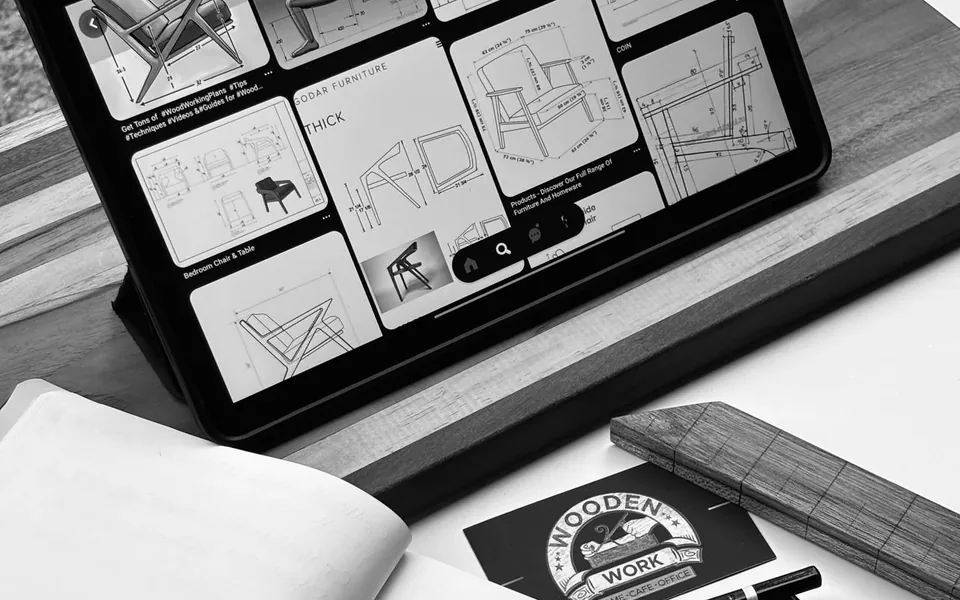
Connect AI APIs, local AI tools or custom automation to suitable business processes, content workflows and repetitive tasks. Potential deliverables include document processing, draft content workflows or moving information between systems. We first review the inputs, limitations and approval steps so the scope reflects the work you actually need.

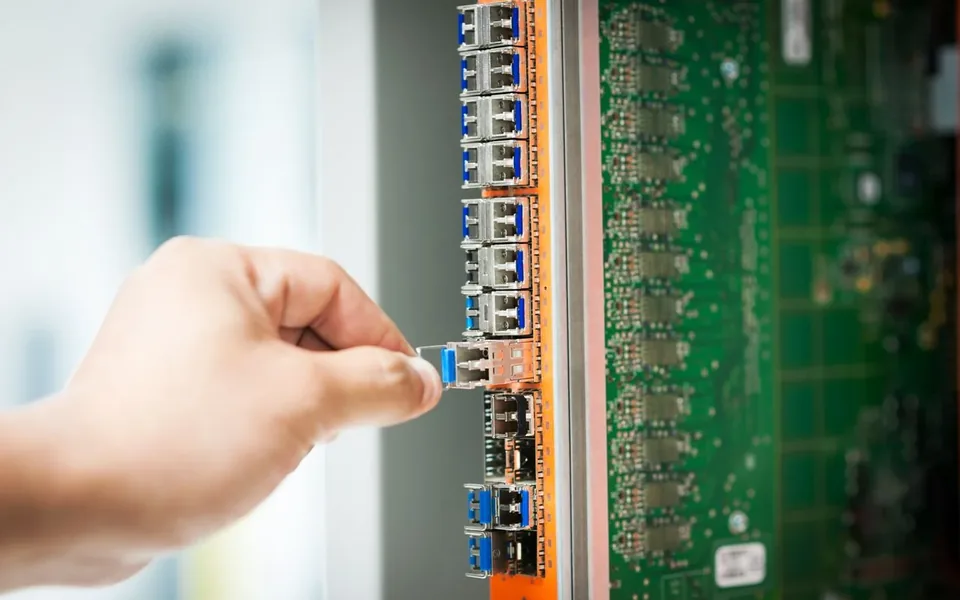
Assess, upgrade, configure and integrate IT infrastructure. Work can include network cabling, router configuration, connectivity troubleshooting, hosting configuration and domain or DNS setup. For a new setup or an existing problem, we establish the equipment, dependencies and access needed, then agree the changes and any ongoing support.
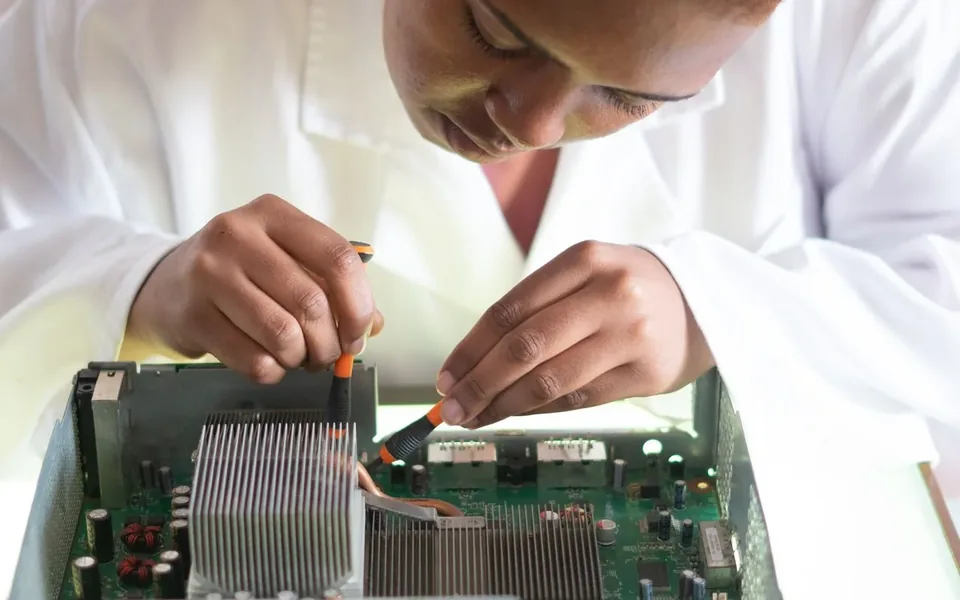
Custom PC builds, hardware upgrades, fault diagnosis, repairs and maintenance, alongside Windows and Linux configuration and troubleshooting. We help individuals and organisations work through slow systems, hardware faults or changing requirements. An assessment establishes the issue or intended use before parts, configuration changes and the repair scope are agreed.
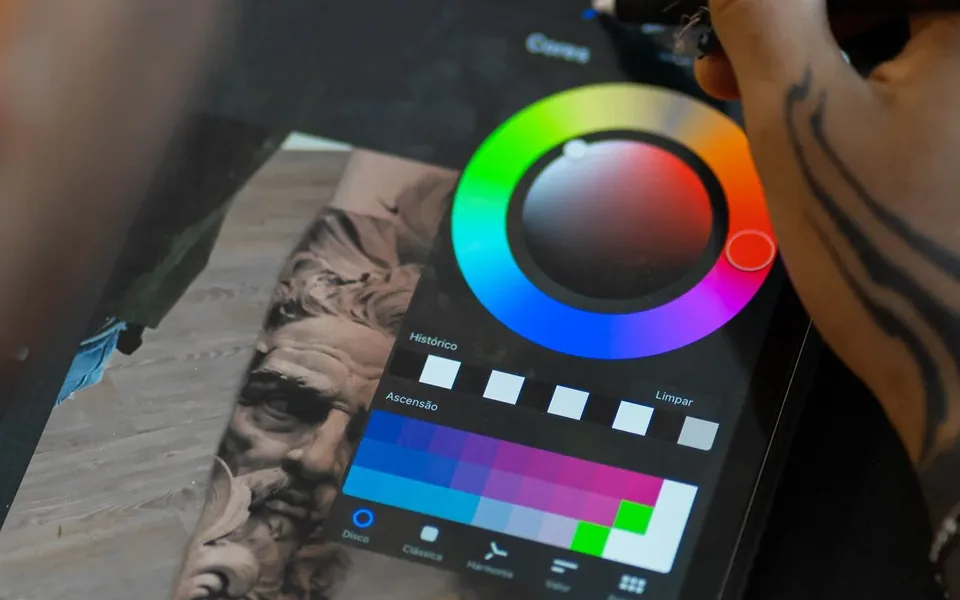
Logo design, branding, promotional graphics and digital content for websites and campaigns. We create and edit images and video using AI-assisted workflows and custom creative tools, with 3D modelling, visualisation or motion content where appropriate. We agree the intended use, style, formats and review stages as part of the brief.

A process shaped around the project



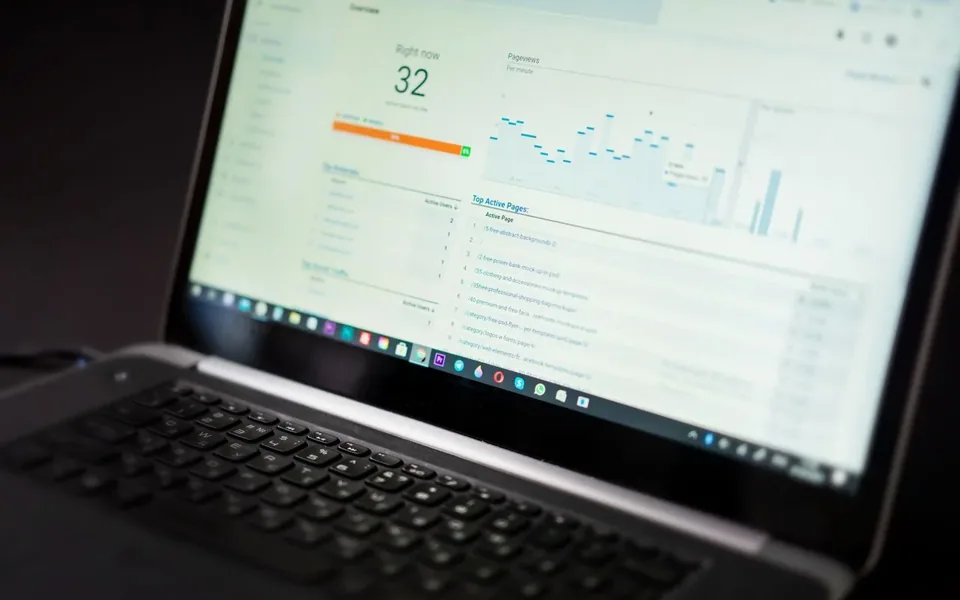

Stages, timeframes, costs and support are agreed for each project. Design or prototyping is included where it helps clarify the work.
Find your starting point
Turn through the service wheel, then choose what your project needs.
Browser-based dashboards, portals and tools shaped around your work.
The same services are available in the readable cards above.
From requirements to a useful scope
Choose capability areas and a starting point. This local planner creates an indicative architecture and roadmap, with no prices or delivery promises.
Explore our services
A useful system brings the right capabilities together. Choose an area to see how we can help.
Connected by design
Networking, software, infrastructure, hardware and security contribute to a useful whole. Select a service area to explore its practical benefit.